Start with listening, viewing, everyday accessories or setup help. Each path explains a useful application before you reach an enquiry.
Audio / Everyday listening
A listening setup for a room, a desk or your time away.
Tabletop radios, headphones and portable speakers offer different ways to enjoy sound. Consider the source you use, the listening space, how you want to control it and whether it must travel with you.
The Sangean CP-100 is one existing product example: AM/FM radio, Bluetooth streaming and an auxiliary input in a compact tabletop format. Other models serve different listening needs, so connections and power should be checked for the exact product.
Radio, streamed music or another audio source
Private headphone listening or sound for a shared space
Power, connection compatibility, comfort and everyday controls
Cases, screen protection, grips and charging accessories must fit the device and the way it is handled. A brand name alone does not establish compatibility.
Identify the full device model and the job the accessory should do. Check connection standards, dimensions and any features that need to remain accessible before selecting a product.
Exact phone, tablet or device model
Protection, grip, charging or connection needs
Fit with existing accessories and controls
Manufacturer examples: BodyGuardz, atom studios, clckr.
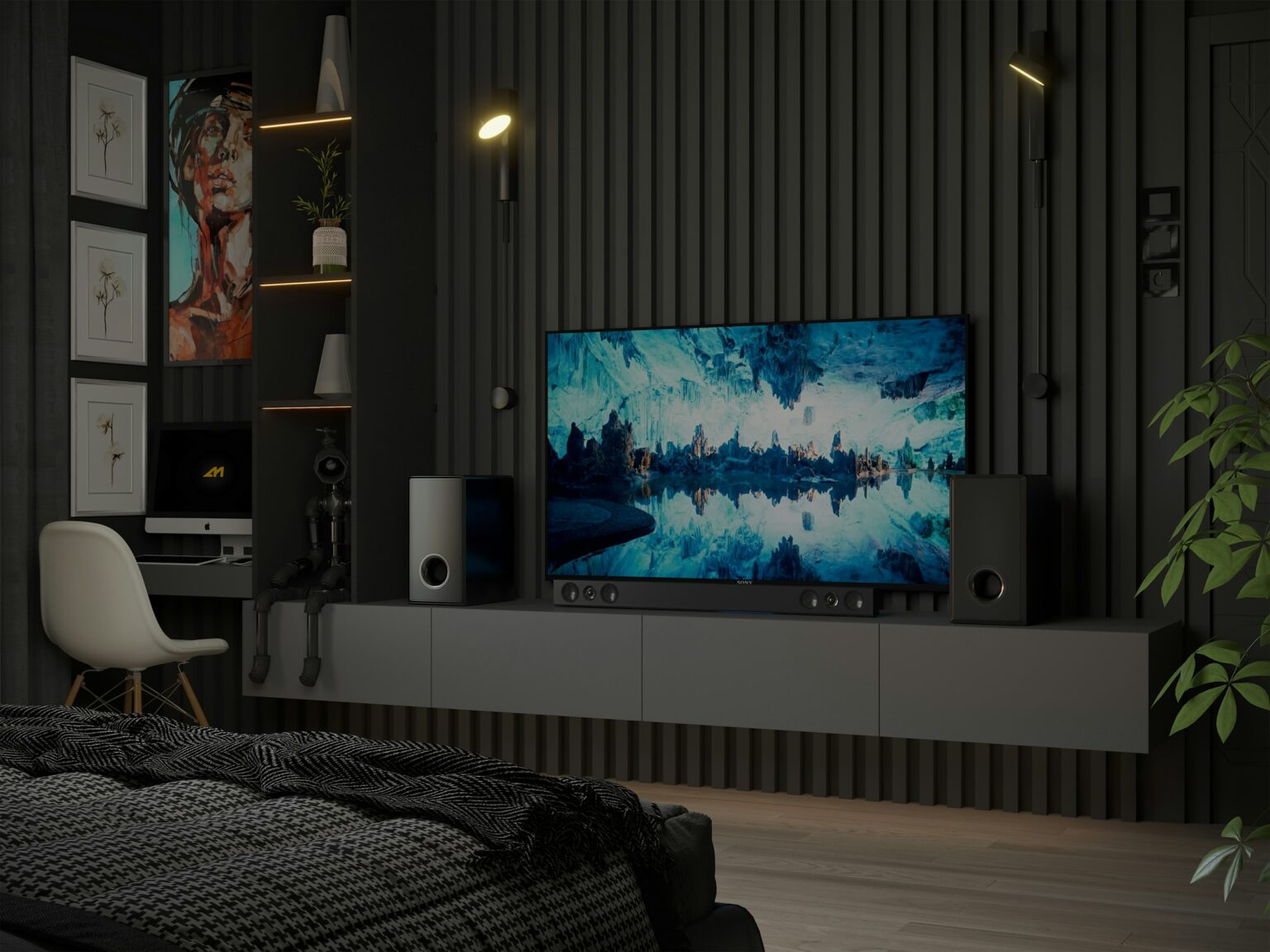
A display works with the seating, sound, source equipment, mounting and controls around it. Screen size is one part of the choice; daylight, viewing positions and connections also matter.
For a business display or outdoor installation, use the commercial-display path instead of assuming a household television suits the operating environment.
Viewing distance, daylight and mounting location
Streaming, television, gaming or presentation sources
Audio, network access and a workable control method
Setup planning can include connections, the owner's account setup, compatible network access and a practical walkthrough. The supported equipment and available service are confirmed before work is arranged.
Do not send account passwords or private access codes in an enquiry. Describe the equipment, what you want it to do and what is already connected.
Equipment model and current connections
The activity that should be easier
Setup scope, compatibility and support availability
Manufacturer names identify product families to explore. The quotation confirms the exact model, regional compatibility, supply, warranty and any setup service. No blanket dealer status, inventory or availability is implied.
Recognizable names, with a clear purpose
Manufacturers behind the ideas.
These manufacturer references explain product families. They do not establish an IFM dealer appointment, current stock, rental availability or a confirmed installation service. Logos are shown only where an existing verified asset is available.
Radios and tabletop listening
Sangean
Radio and tabletop-audio families, including the CP-100 AM/FM, Bluetooth and auxiliary-input example already described on this site.
The right equipment starts with the setting, the people using it and a clear scope of work.
01 / What we offer
The solution, in context.
A new device looks useful, but the buyer is unsure whether it will work with their television, network, phone, power setup or other equipment.
Product fit review, accessory checks, connection planning and optional setup or integration. Selection depends on the way the device will be used and the systems already in place, not just the feature list.
02 / Planning & delivery
From requirements to a clear scope.
Tell us the outcome, current devices and where the product will be used. We can check available options and required accessories with suppliers, then propose a complete equipment and setup solution. Availability, origin and applicable import costs are checked for the actual item.
A clear next step
Tell us what you have in mind.
Share the device or category you are considering and what you want it to work with. We will help clarify compatibility before a purchase decision.
Images illustrate equipment or possible environments, not completed IFM installations. Your quotation confirms the equipment, installation scope and availability.
Cookie Consent
We use necessary cookies to run this site. You can accept optional cookies, reject them, or choose your preferences below.
Contains information related to marketing campaigns of the user. These are shared with Google AdWords / Google Ads when the Google Ads and Google Analytics accounts are linked together.
90 days
__utma
ID used to identify users and sessions
2 years after last activity
__utmt
Used to monitor number of Google Analytics server requests
10 minutes
__utmb
Used to distinguish new sessions and visits. This cookie is set when the GA.js javascript library is loaded and there is no existing __utmb cookie. The cookie is updated every time data is sent to the Google Analytics server.
30 minutes after last activity
__utmc
Used only with old Urchin versions of Google Analytics and not with GA.js. Was used to distinguish between new sessions and visits at the end of a session.
End of session (browser)
__utmz
Contains information about the traffic source or campaign that directed user to the website. The cookie is set when the GA.js javascript is loaded and updated when data is sent to the Google Anaytics server
6 months after last activity
__utmv
Contains custom information set by the web developer via the _setCustomVar method in Google Analytics. This cookie is updated every time new data is sent to the Google Analytics server.
2 years after last activity
__utmx
Used to determine whether a user is included in an A / B or Multivariate test.
18 months
_ga
ID used to identify users
2 years
_gali
Used by Google Analytics to determine which links on a page are being clicked
30 seconds
_ga_
ID used to identify users
2 years
_gid
ID used to identify users for 24 hours after last activity
24 hours
_gat
Used to monitor number of Google Analytics server requests when using Google Tag Manager
1 minute
Jetpack's built-in visitor analytics. It records page views, referring sites, search terms, and outbound link clicks, and also carries the shared visitor-tracking library used by Jetpack Instant Search and WooCommerce Analytics.
Queues analytics events for Jetpack's Tracks library so none are lost if the page closes before they can be sent.
30 minutes
tk_tc
Used once per page load to work out which cookie domain the Tracks library should use, then removed as soon as it's read back.
Session (deleted immediately after use)
tk_aip
Stores a list of anonymous visitor IDs so they can be merged into one identity once a visitor is recognized.
Up to 5 years
tk_ai
Stores a randomly-generated anonymous visitor ID so Jetpack's Tracks analytics library can link tracking events to the same visitor.
Session in wp-admin; up to 5 years on the frontend
SourceBuster is used by WooCommerce for order attribution based on user source.
Name
Description
Duration
sbjs_session
The number of page views in this session and the current page path
30 minutes
sbjs_udata
Information about the visitor’s user agent, such as IP, the browser, and the device type
session
sbjs_first
Traffic origin information for the visitor’s first visit to your store (only applicable if the visitor returns before the session expires)
session
sbjs_current
Traffic origin information for the visitor’s current visit to your store
session
sbjs_first_add
Timestamp, referring URL, and entry page for your visitor’s first visit to your store (only applicable if the visitor returns before the session expires)
session
sbjs_current_add
Timestamp, referring URL, and entry page for your visitor’s current visit to your store
session
sbjs_migrations
Technical data to help with migrations between different versions of the tracking feature