Explore car audio, cellular boosters, remote-start options and vehicle electronics. Vehicle compatibility, equipment and available installation services are confirmed before booking.
Choose the outcome first: a stronger usable cellular connection, a suitable remote-start option, better sound, or equipment for a connected work vehicle.
Connectivity / Cellular
Make better use of an available cellular signal.
A vehicle cellular booster can strengthen an existing usable signal between a phone and the carrier network. It cannot create service where there is no signal to work with, and it does not replace a data plan.
Describe where you drive and whether the priority is calls, mobile data or a parked work location. The regional booster model, carrier compatibility, antenna arrangement and vehicle layout all need review.
Vehicle type and typical travel area
Phone carrier and the places where service becomes unreliable
Permanent installation or a removable vehicle setup
Remote-start systems can prepare the cabin of a compatible vehicle before the driver enters. Key-fob control and smartphone control are different options; supported functions depend on the system and vehicle.
Ask for an availability and compatibility review first. IFM has not confirmed an installation provider or booking for your vehicle. Smartphone services may need compatible installed hardware, cellular coverage and an ongoing service plan.
Year, make, model, trim and transmission
Key or push-button start and existing remote-start equipment
Desired controls, service-plan costs and installation availability
Upgrade the part of the sound you want to improve.
A speaker replacement, multimedia receiver, amplifier and subwoofer solve different problems. Start with clarity, useful bass, easier phone integration or the listening level you want, then plan a compatible system.
Factory audio packages, steering-wheel controls, vehicle menus and available space affect the parts and installation. Specific features such as wired or wireless smartphone integration vary by receiver model.
What is missing from the current sound or controls?
Factory equipment and any previous modifications
Fitment, interfaces, power requirements and available installation service
Cameras, charging, mobile connectivity and portable power need to fit the way the vehicle is used. A dash camera is different from a monitored security service, and parked-use requirements can differ from equipment intended for use while driving.
Recording, storage and privacy needs
Device loads, operating time and mounting space
Who supplies, installs and supports each part of the agreed system
These are planning categories, not confirmed stock or an installation booking. Equipment, vehicle compatibility, installer capacity, service availability and any recurring costs must be confirmed before a quotation or booking is accepted.
Recognizable names, with a clear purpose
Manufacturers behind the ideas.
These manufacturer references explain product families. They do not establish an IFM dealer appointment, current stock, rental availability or a confirmed installation service. Logos are shown only where an existing verified asset is available.
Cellular signal boosters
weBoost
Vehicle booster equipment uses an existing cellular signal to support calls and mobile data. Regional compatibility, coverage and installation are assessed for the intended vehicle.
Vehicle-specific remote-start and compatible smartphone-control options. System eligibility, service-plan requirements and installation availability need confirmation.
Start with the result you want. Product examples do not confirm stock, dealer status or installer availability. We review the vehicle, fitment and proposed work before confirming the next step.
01 / Car audio
Hear the difference.
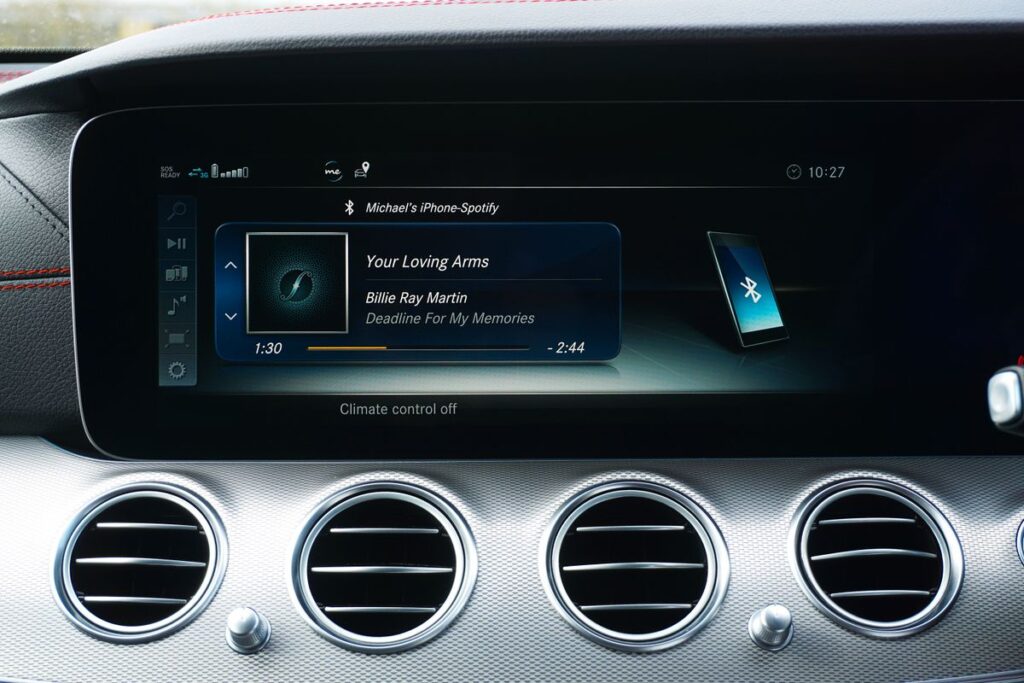
Speakers, amplifiers, subwoofers, source units and compatible interfaces can be combined around your music, budget and available space. A useful upgrade starts with what your current system is missing, not the longest equipment list.
We review the factory audio package, controls, trim and existing modifications before specifying parts and installation. Retaining steering-wheel controls, vehicle menus and factory features depends on the exact vehicle and interface.
Ask about a remote-start system and installation for your vehicle. Compatibility is assessed for the exact year, make, model, trim, transmission and key or push-button start system before we confirm the job.
Tell us whether you want a basic remote, two-way confirmation or phone-based control. Available functions, range, additional keys, interface modules and any subscription are confirmed in the written quote—not assumed.
Safety interlocks and manufacturer requirements form part of the installation assessment. Some vehicles or configurations may not be suitable; we confirm eligibility before booking.
03 / Installation
A complete installation scope, not a box of parts.
We first confirm whether the requested installation can be arranged. If available, the quotation identifies the equipment and labour together, including the mounting, interfaces, power, protection, cable routes and access needed for the vehicle.
The agreed scope includes the relevant configuration, function checks and an explanation of everyday operation. Existing equipment, previous wiring and retained factory features are reviewed before work; any additional work is discussed rather than assumed.
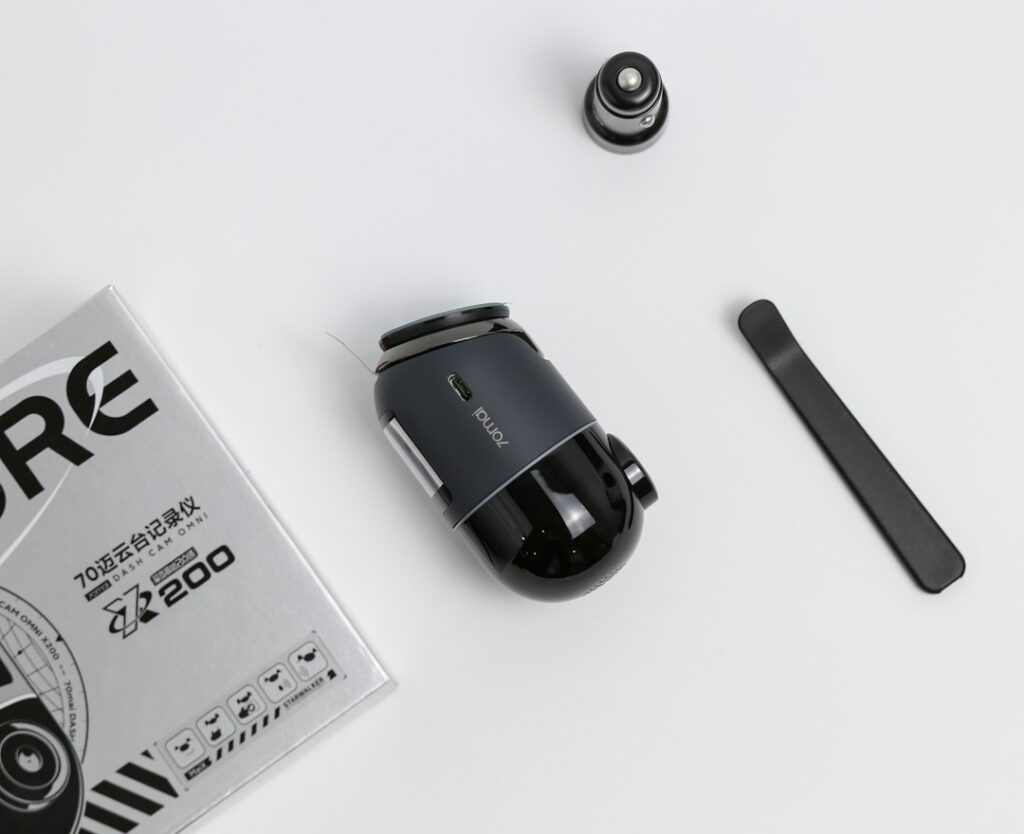
Equipment illustration · Tuan Nguyen / Unsplash. Model selection is confirmed in your quote.
04 / Cameras & connectivity
Useful visibility and a connected journey.
Dash cameras, compatible power accessories and connectivity can be planned around recording needs and how the vehicle is used. We discuss placement, storage, parking-mode power and privacy without promising active monitoring or theft prevention.
For Starlink, the client buys the kit and service directly and owns the account. We separately scope compatible mounting, power, cabling and network integration; parked and in-motion use have different hardware and provider requirements.
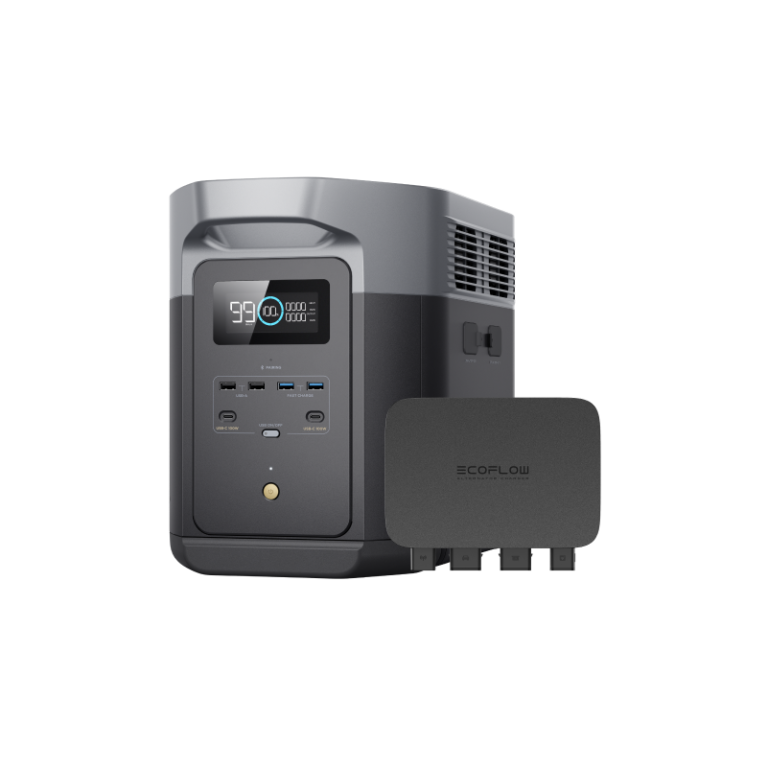
EcoFlow manufacturer reference. Charger and power station are separately selected for the vehicle.
05 / Power & work vehicles
Support the equipment you actually use.
Charging, portable power, mobile work and fleet electronics start with device loads, operating time, vehicle layout and safe mounting. We confirm compatibility and installation responsibilities for the selected system.
This automotive section focuses on audio, remote starts and vehicle electronics—not shocks, suspension or mechanical repair.
Send the year, make, model, trim, transmission and key or push-button start, plus the upgrade you want and any existing equipment. We will confirm compatibility, equipment and installation scope before quoting. Do not send keys, security codes or account passwords.
Images illustrate equipment or possible environments, not completed IFM installations. Your quotation confirms the equipment, installation scope and availability.
Cookie Consent
We use necessary cookies to run this site. You can accept optional cookies, reject them, or choose your preferences below.
Contains information related to marketing campaigns of the user. These are shared with Google AdWords / Google Ads when the Google Ads and Google Analytics accounts are linked together.
90 days
__utma
ID used to identify users and sessions
2 years after last activity
__utmt
Used to monitor number of Google Analytics server requests
10 minutes
__utmb
Used to distinguish new sessions and visits. This cookie is set when the GA.js javascript library is loaded and there is no existing __utmb cookie. The cookie is updated every time data is sent to the Google Analytics server.
30 minutes after last activity
__utmc
Used only with old Urchin versions of Google Analytics and not with GA.js. Was used to distinguish between new sessions and visits at the end of a session.
End of session (browser)
__utmz
Contains information about the traffic source or campaign that directed user to the website. The cookie is set when the GA.js javascript is loaded and updated when data is sent to the Google Anaytics server
6 months after last activity
__utmv
Contains custom information set by the web developer via the _setCustomVar method in Google Analytics. This cookie is updated every time new data is sent to the Google Analytics server.
2 years after last activity
__utmx
Used to determine whether a user is included in an A / B or Multivariate test.
18 months
_ga
ID used to identify users
2 years
_gali
Used by Google Analytics to determine which links on a page are being clicked
30 seconds
_ga_
ID used to identify users
2 years
_gid
ID used to identify users for 24 hours after last activity
24 hours
_gat
Used to monitor number of Google Analytics server requests when using Google Tag Manager
1 minute
Jetpack's built-in visitor analytics. It records page views, referring sites, search terms, and outbound link clicks, and also carries the shared visitor-tracking library used by Jetpack Instant Search and WooCommerce Analytics.
Queues analytics events for Jetpack's Tracks library so none are lost if the page closes before they can be sent.
30 minutes
tk_tc
Used once per page load to work out which cookie domain the Tracks library should use, then removed as soon as it's read back.
Session (deleted immediately after use)
tk_aip
Stores a list of anonymous visitor IDs so they can be merged into one identity once a visitor is recognized.
Up to 5 years
tk_ai
Stores a randomly-generated anonymous visitor ID so Jetpack's Tracks analytics library can link tracking events to the same visitor.
Session in wp-admin; up to 5 years on the frontend
SourceBuster is used by WooCommerce for order attribution based on user source.
Name
Description
Duration
sbjs_session
The number of page views in this session and the current page path
30 minutes
sbjs_udata
Information about the visitor’s user agent, such as IP, the browser, and the device type
session
sbjs_first
Traffic origin information for the visitor’s first visit to your store (only applicable if the visitor returns before the session expires)
session
sbjs_current
Traffic origin information for the visitor’s current visit to your store
session
sbjs_first_add
Timestamp, referring URL, and entry page for your visitor’s first visit to your store (only applicable if the visitor returns before the session expires)
session
sbjs_current_add
Timestamp, referring URL, and entry page for your visitor’s current visit to your store
session
sbjs_migrations
Technical data to help with migrations between different versions of the tracking feature