
System Health
Know When Something Goes Offline
Supported devices can report status through OvrC so an issue may be visible before it becomes a mysterious “nothing works” service call.
Start with the setting or problem. We will help connect design, products, installation and support.
Meet InterFusion, get help or open your account.
Choose a category, then a brand. Product details stay one clear step away.
Start with the setting or problem. We will help connect design, products, installation and support.
Meet InterFusion, get help or open your account.
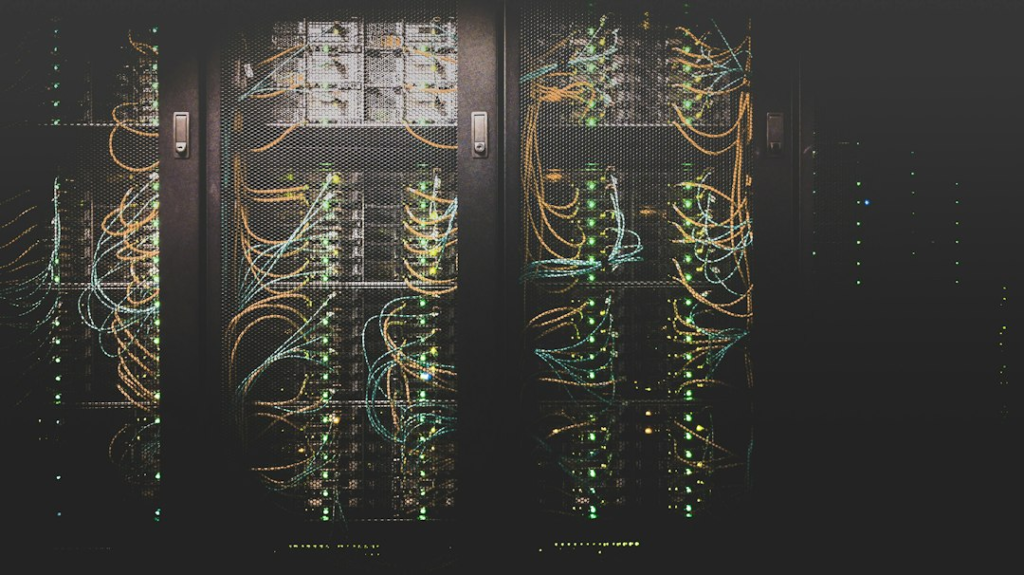
OvrC Remote Technology Care
Compatible remote-management tools can help diagnose issues and support selected devices. Equipment, access permissions and service terms are agreed for your system.
Ask about OvrC remote careOvrC (pronounced “oversee”) lets an authorized technology professional check and support compatible equipment remotely. It can help identify an offline device, investigate a network problem or carry out a selected reset. What is possible depends on your installed equipment, access permissions and agreed support plan.
Supported devices can report status through OvrC so an issue may be visible before it becomes a mysterious “nothing works” service call.
When appropriate, remote visibility can help determine whether a problem is network, power, configuration or device-related before an on-site appointment is scheduled.
OvrC-enabled WattBox products can provide controlled outlet power and reset functions. That can restore selected routers, switches, AV devices and other supported electronics when a safe reboot is the right first step.
Compatible network equipment can provide remote configuration, device visibility and Wi-Fi management so the network foundation can be supported as part of the overall system.
Where supported, OvrC can surface firmware information and remote update tools, helping us maintain installed systems instead of forgetting about them after commissioning.
OvrC Connect is an optional client app. Your technology professional can set up simple actions, such as restarting selected equipment, so you can use approved controls without needing access to the professional dashboard.
These are examples to discuss, not fixed service packages. Remote management may be useful for networks, AV systems, security infrastructure, cottages and business technology. The equipment, available controls, support scope and price are confirmed for each project.
OvrC-enabled power control around selected network or AV equipment so safe remote rebooting is available when appropriate.
Supported router, switching and Wi-Fi infrastructure with remote status and configuration tools.
Network plus remote-power strategy around home theatre, distributed audio, displays and other connected AV equipment.
Support for the network, PoE, NVR and related technology infrastructure behind a security system. This is remote technology management, not professional alarm monitoring.
Remote visibility, controlled power and network support for properties where an unnecessary service trip can mean significant travel time.
A broader support framework for commercial networks, AV and other connected systems where uptime and faster diagnosis have business value.
Not every device exposes the same controls. We identify what can be monitored, what can be safely power-cycled, what requires client authorization and what still requires an on-site technician before the support plan is quoted.
OvrC is the management platform. Compatible devices provide the information and controls. Here is what the main terms mean.
Compatible equipment connects to the platform so an authorized professional can check status and use the controls supported by that model.
A compatible OvrC Pro device adds broader network diagnostics and visibility. Finding a device on the network does not mean every function on it can be controlled remotely.
Compatible WattBox hardware can switch or restart selected outlets. A supported UPS adds battery backup and may report power and battery information. Features vary by model and combination.
Before remote care begins, agree on the equipment and data that can be accessed, the actions allowed and the people authorized to provide support. Monitoring tools do not by themselves include a staffed response service.
Document the installed tools, accessible information and approved remote actions, including any camera-related access. Confirm who is authorized and how access can be changed or ended.
Agree on contact methods, service hours, response expectations and costs before starting. This page does not promise 24/7 response, guaranteed uptime or automatic repairs.
Remote tools do not replace technicians. When the issue requires physical testing, repair or a site visit, we move it into the normal service workflow.
Tell us about your property, the equipment you have and what you want help with. We can review whether remote care is suitable and discuss scope and pricing. An enquiry does not activate remote access or a support plan.