
A defined signal path
Identify which sources need to reach which displays, speakers or conferencing devices, and how users select them.
Start with the setting or problem. We will help connect design, products, installation and support.
Meet InterFusion, get help or open your account.
Choose a category, then a brand. Product details stay one clear step away.
Start with the setting or problem. We will help connect design, products, installation and support.
Meet InterFusion, get help or open your account.
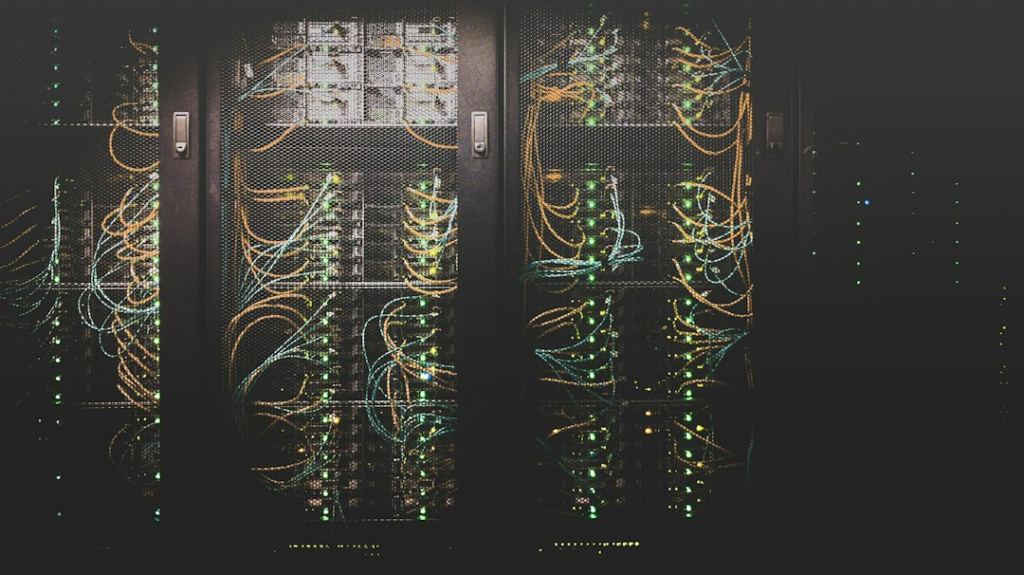
Illustrative network-rack photograph · Not an IFM installation
Displays, cameras, audio and controls depend on the connections behind them. InterFusion MEDIA plans managed switching, structured cabling, AV-over-IP, Dante and signal extension around the rooms, devices and workflows the system needs to support, in coordination with your IT team.
Useful when adding networked AV to a meeting room, distributing sources to several spaces or untangling a system that has become difficult to manage. The starting point is a clear picture of the devices, signal paths, existing infrastructure and the people responsible for them.
Identify which sources need to reach which displays, speakers or conferencing devices, and how users select them.
Review switching, bandwidth, power-over-Ethernet demand and cable routes against the proposed devices and their requirements.
Agree network ownership, addressing, traffic handling, access and change procedures with the organization’s IT contact.
Plan labels, connection records, configuration information and practical service access as part of the handover.
Record source and destination counts, connection types, distances and which rooms need to share content or operate independently.
Check port requirements, PoE capacity, network capacity and any multicast or network-separation requirements for the chosen AV platform.
Review existing cable suitability, new pathways, racks, power, ventilation, mounting and access for maintenance.
Confirm what sits on an existing business network, who owns each change, permitted management access and the installation or commissioning window.
Test the agreed routes and operating scenarios. Record the installed layout, device roles and handover information within the approved scope.
Changes to client-managed switches, addressing, remote access or business-network settings are coordinated with the responsible IT team.
AV-over-IP compatibility is checked for the selected platform and endpoints; a shared network connection alone does not establish that devices work together.
Internet service, business IT support, security auditing, redundancy and remote monitoring are included only when explicitly agreed. Performance and support expectations are documented for the selected design.
These established directory entries provide a route into the relevant applications. Compatibility is confirmed for the specific devices and network design.
Managed AV network switching and PoE options.
Explore NETGEAR AV
Dante technology for networked audio and AV workflows.
Explore Audinate
AV-over-IP distribution, USB routing and room connectivity.
Explore AtlonaUSB extension for connecting supported room devices.
Explore IcronBrand families identify useful technology roles. Exact models, compatibility, licensing and availability are confirmed in your proposal.
A single room adding networked displays, audio, cameras or controls. The scope can include a device and connection review; suitable cabling, switching and PoE planning; coordination, commissioning and basic connection records. Your quote confirms required ports, power budget, device compatibility, existing switch ownership and client IT responsibilities.
Several spaces that need selected sources available in more than one location. The scope can include a source-to-destination routing plan; compatible AV-over-IP endpoints and network infrastructure; user control, room-mode testing and documentation. Your quote confirms platform compatibility, concurrent signal requirements, uplinks, cable distances, control behaviour and expansion needs.
An installed AV network that needs troubleshooting, clearer records or a planned expansion. The scope can include an inventory of the agreed devices and links; review of reported symptoms and configuration needs; documented findings and a separately defined improvement scope. Your quote confirms available access, current records, client-approved diagnostic work, permitted changes and any replacement equipment.
These are planning examples, not fixed equipment bundles or service subscriptions. Your quotation defines the work, equipment, exclusions and any recurring terms before proceeding.
It may be suitable after review. We check the AV requirements with the client IT team, including capacity, switching, power, traffic handling and change policies. The agreed design determines whether existing or separate infrastructure is appropriate.
It carries AV signals through a network using compatible devices and a suitable network design. The plan still needs to define sources, destinations, routing, control and the requirements of the selected platform.
Dante is Audinate’s networked AV technology. It may be relevant where selected audio or video equipment supports the intended Dante workflow; device capabilities and system compatibility are checked during design.
Yes. Share the likely number of future rooms and the jobs they need to do. We can identify expansion considerations in cabling, switching, power and control while separating current work from future options.
No. Begin with room and device counts, symptoms and your IT contact. Any detailed network information or access is exchanged later through an agreed project process.
Please do not submit passwords, access tokens or confidential network diagrams through the public enquiry form.